

Rescue Venice in a 3D Puzzle Adventure
Is Venice Bridges available for both Windows and Mac?
Yes, Venice Bridges is compatible with both Windows and Mac operating systems.
Is the game safe to download and install?
The software is distributed through official channels and does not contain known malware or security risks.
How often are updates released for Venice Bridges?
Updates are released periodically to improve gameplay, fix bugs, and enhance stability.
What type of license does Venice Bridges use?
Venice Bridges is available under a free license, allowing unrestricted access and use.
Can I play Venice Bridges offline?
Yes, the game can be played without an internet connection after installation.
Overview
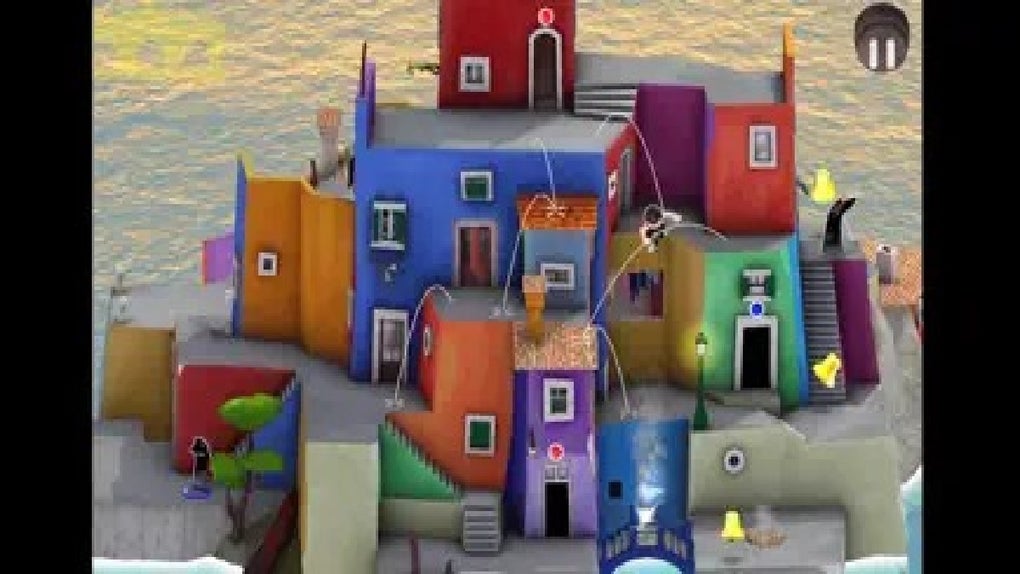
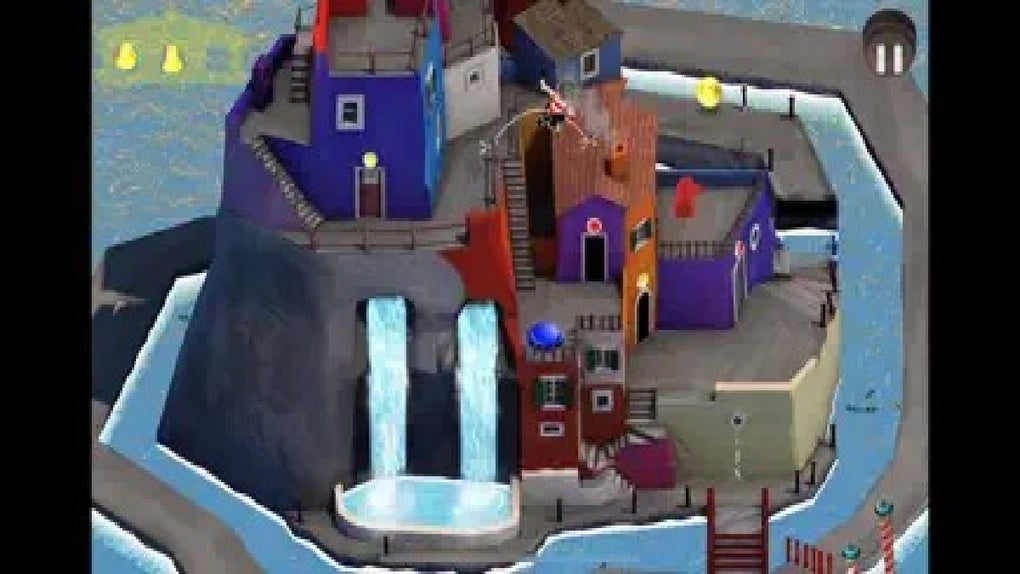
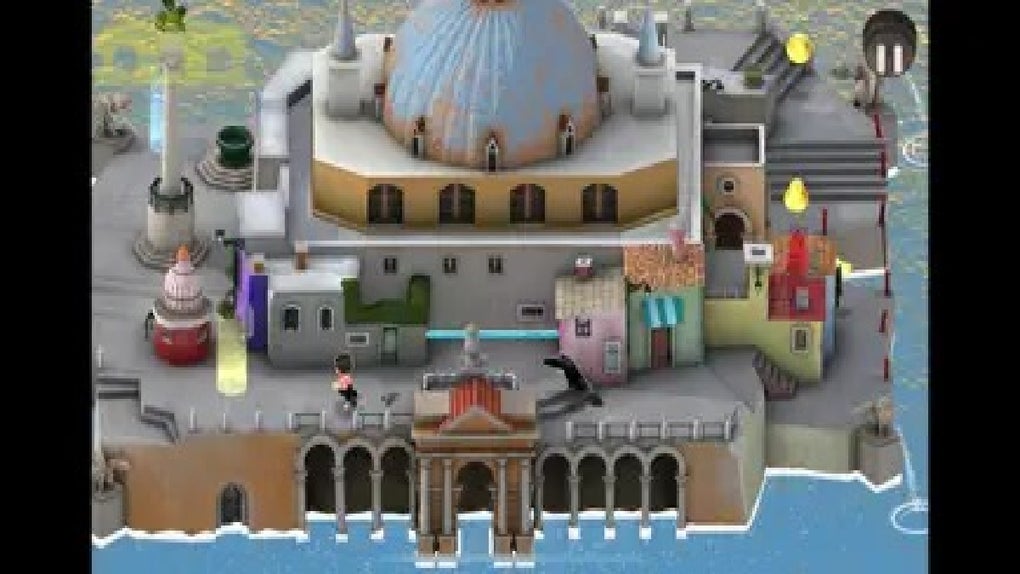
Venice Bridges is a 3D puzzle adventure game set in the historically rich and visually stunning city of Venice. Players assume the role of a hero tasked with rescuing the city from a mysterious threat posed by Plague Doctors, who have disrupted the city’s harmony and scattered its districts across the waterways. The game combines immersive exploration with strategic puzzle-solving, challenging players to restore Venice by uncovering hidden secrets and retrieving scattered church bells.
Each district offers a unique environment shaped by the chaos caused by the Plague Doctors, encouraging players to navigate intricate layouts and solve environmental puzzles. The game emphasizes narrative depth and environmental storytelling, allowing players to piece together the city’s history through visual cues and contextual clues. While the core gameplay loop is engaging, some players may find repeated exploration of similar district layouts leads to a sense of repetition over time.
The developer did not provide additional system requirements, but the game’s 1.2 GB size suggests a moderate installation footprint. Real-world usage scenarios include casual gaming sessions, puzzle enthusiasts seeking narrative-driven challenges, and fans of atmospheric exploration games.
Key Features & Capabilities
- Immersive 3D Environment: The game features a meticulously recreated Venice with detailed architecture, water reflections, and dynamic lighting, enhancing the sense of presence and realism.
- Strategic Puzzle Solving: Players must outsmart Plague Doctors by luring them into traps, requiring careful planning and spatial awareness rather than direct confrontation.
- Exploration-Driven Gameplay: Each district is scattered across the canals, encouraging players to explore every corner to uncover hidden secrets and recover church bells.
- Narrative-Driven Objectives: The story unfolds through environmental details and in-game discoveries, guiding players through a quest to restore the city to its former glory.
- Replayability Through Hidden Elements: Multiple hidden secrets and alternate puzzle paths may encourage players to revisit districts for deeper discovery.
These features create a gameplay experience centered on curiosity and deduction. For example, players might need to manipulate water levels or redirect light beams to activate hidden mechanisms. The integration of church bells as puzzle components adds a thematic layer, tying the city’s restoration to its cultural heritage.
Strategic thinking is essential—each move must be calculated to avoid alerting enemies while progressing toward objectives. The game does not rely on combat, making it accessible to players who prefer cerebral challenges over action-based mechanics. While the developer did not specify performance details, the game’s 3D visuals and environmental complexity suggest moderate hardware demands.
The lack of combat and reliance on logic may appeal to players seeking a calm, reflective gaming experience.
User Interface, Workflow & Performance
The user interface of Venice Bridges is designed to support intuitive navigation and seamless gameplay. Menus are minimal and context-sensitive, reducing visual clutter and maintaining immersion. Players access puzzle objectives and inventory through a streamlined HUD that appears only when needed.
The workflow emphasizes exploration and discovery, with clear visual cues guiding players toward active areas and hidden elements. Navigation through the 3D environment is smooth, allowing players to move between districts via waterways and footpaths. The game’s performance is expected to be stable on systems meeting basic 3D gaming requirements, though exact resource usage details were not specified.
General software behavior suggests efficient memory and CPU utilization, but actual performance may vary based on hardware. The developer did not provide information on frame rates, loading times, or stability under prolonged use. Users can expect a consistent experience during typical gameplay sessions, with no reported issues related to crashes or freezes.
The absence of complex animations or real-time multiplayer elements contributes to predictable performance patterns. Overall, the interface supports a focused, distraction-free experience ideal for puzzle-oriented gameplay.
Compatibility & System Requirements
Venice Bridges is compatible with both Windows and Mac operating systems. The software version is 1.0.0, and the installation size is 1.2 GB. The developer did not specify exact system requirements, including CPU, RAM, or GPU details.
Compatibility information is limited to the supported platforms. Users should ensure their system meets standard 3D gaming requirements to run the application smoothly. The game’s 3D visuals and environmental complexity suggest a need for a capable graphics card and sufficient memory, though no official specifications were provided.
Installation is straightforward, and the game runs as a standalone desktop application. No additional software or drivers are required beyond standard system components. Platform compatibility information is partially provided, and users are advised to verify their system’s ability to handle 3D content before installation.
Pros and Cons
Pros
- Immersive 3D recreation of Venice with rich visual detail
- Engaging puzzle-solving mechanics focused on strategy over combat
- Thematic narrative tied to city restoration and historical exploration
- Free to download and use with no licensing restrictions
- Supports both Windows and Mac platforms
Cons
- Repeated district layouts may lead to gameplay repetition over time
- Exact system requirements were not listed, making compatibility assessment difficult
- Performance behavior under heavy load or long sessions was not documented
- Replayability may depend on uncovering hidden secrets, which could be limited
Final Thoughts + CTA
Venice Bridges delivers a unique blend of atmospheric exploration, strategic puzzle-solving, and narrative depth set within one of the world’s most iconic cities. The game excels in creating an immersive environment where every district feels like a living piece of history, shaped by the chaos of the Plague Doctors. Its focus on cerebral challenges rather than action makes it a standout choice for players seeking a thoughtful, story-rich experience.
While the potential for repetition in district design may affect long-term engagement, the game’s strong visual design, thematic cohesion, and free availability enhance its appeal. It is ideal for fans of puzzle adventures, exploration-driven games, and those drawn to Venice’s cultural legacy. The combination of free access and cross-platform support broadens its accessibility.
Download Venice Bridges now and step into a world where every bridge holds a secret and every puzzle brings the city one step closer to restoration.







